Back to BlogTemp Mail Lab Journal

What an Email Tracking Pixel Knows About You

TempMailLab TeamJuly 28, 20268 min read
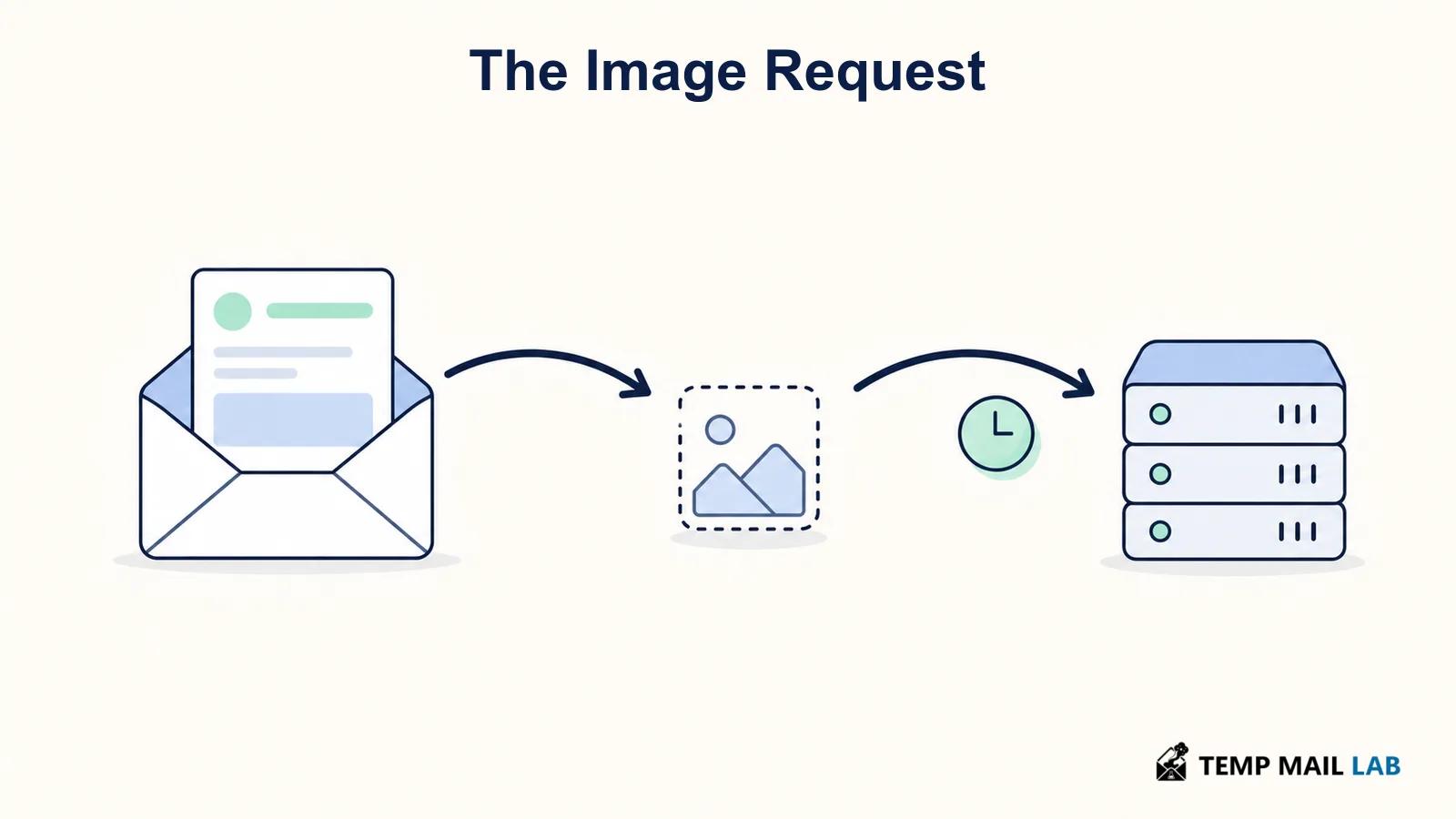
Email tracking pixel request moving from an email message to a server

Email tracking pixels can log remote-image requests and limited technical signals. Learn what they may reveal, what they cannot prove, and how to limit tracking.

An email tracking pixel is usually a tiny remote image embedded in an HTML email. When your mail app loads that image, it sends a request to a server controlled by the sender or its email platform. That request can record that the image was requested, when it happened, and some technical details. It does not give the sender a complete view of you. Privacy features, image proxies, blocked remote content, forwarded messages, and automated preloading can all change what the sender sees.

The useful way to think about email pixels is as a record of a request, not proof that a particular person carefully read an email. That distinction matters when you decide how much to infer from an open notification or how to protect your own privacy.

How an email tracking pixel works

A typical tracking pixel is an image URL placed in the HTML version of an email. The URL often contains an identifier that lets the sender connect the request with a recipient or a particular campaign. The image can be one pixel by one pixel, transparent, or placed where it is unlikely to be noticed. It does not need to look like a visible picture to make a request.

When the email client displays remote images, it requests the image from the server. The UK Information Commissioner's Office describes tracking pixels as small pieces of code, usually an image file, embedded in content such as an email. The server can then learn that the email or page was viewed. This is different from a read receipt. A read receipt is a feature of some email systems that asks the recipient's client to send a confirmation. A tracking pixel relies on a remote-content request instead.

A pixel may be served by the sender's own system or by an email service provider. The response can be a tiny image, but the server log is the important part. It may associate the request with the campaign, the individual address that received it, or both. Links inside the same email can also be rewritten for click measurement. Link tracking and open tracking often appear together, but they are separate mechanisms.

Email image request traveling from an opened message through a pixel to a server

What a tracking pixel may reveal

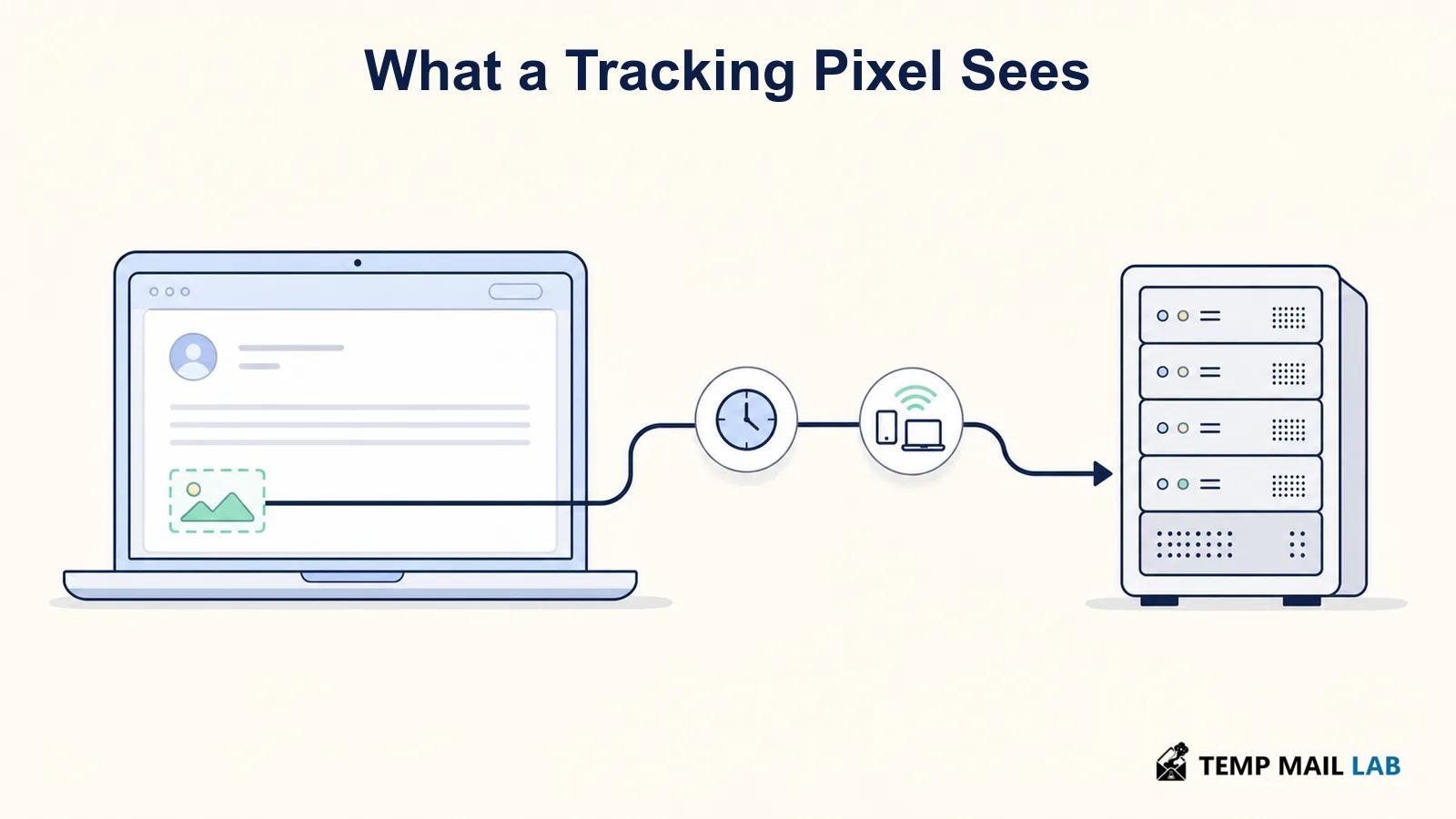
The most common signal is timing. If the image request reaches the tracking server, it can record the date and time. A sender may treat this as an open event, but the wording should stay careful: it shows that a client or proxy fetched the image, not necessarily that the recipient read every word.

Depending on the route taken by the request, the server may also receive an IP address and a user-agent string or other client details. An IP address can sometimes be mapped to a rough geographic area or an internet provider. It does not normally reveal a street address by itself, and the result can be wrong or generalized. A work network, mobile carrier, VPN, relay, or image proxy can make the visible IP different from the reader's connection.

The ICO gives an example of marketing-email pixels recording the time, location, and operating system used to read an email. Those are examples of possible data, not a guarantee for every message or every mail app. For broader context on technical signals sent during an online request, see what websites can collect when you visit them.

If a unique image URL is requested more than once, the sender may see multiple events. That can happen when a person reopens a message, but it can also happen because of syncing, caching behavior, or a privacy service. Repeated image requests are not a reliable count of how many times a person looked at the message.

What a tracking pixel cannot tell the sender for certain

A tracking pixel cannot reliably prove attention. It cannot tell whether you read the email, skimmed it, opened it accidentally, or saw it in a preview. It only records an image request when that request reaches the tracking server. If images are blocked, there may be no request even when you read the message.

The pixel also does not create a detailed personal profile on its own. The sender may already know your email address because they sent the message to it, and they may combine pixel data with information they hold elsewhere. Still, the pixel itself does not reveal passwords, the contents of other emails, your precise address, or every website you visit.

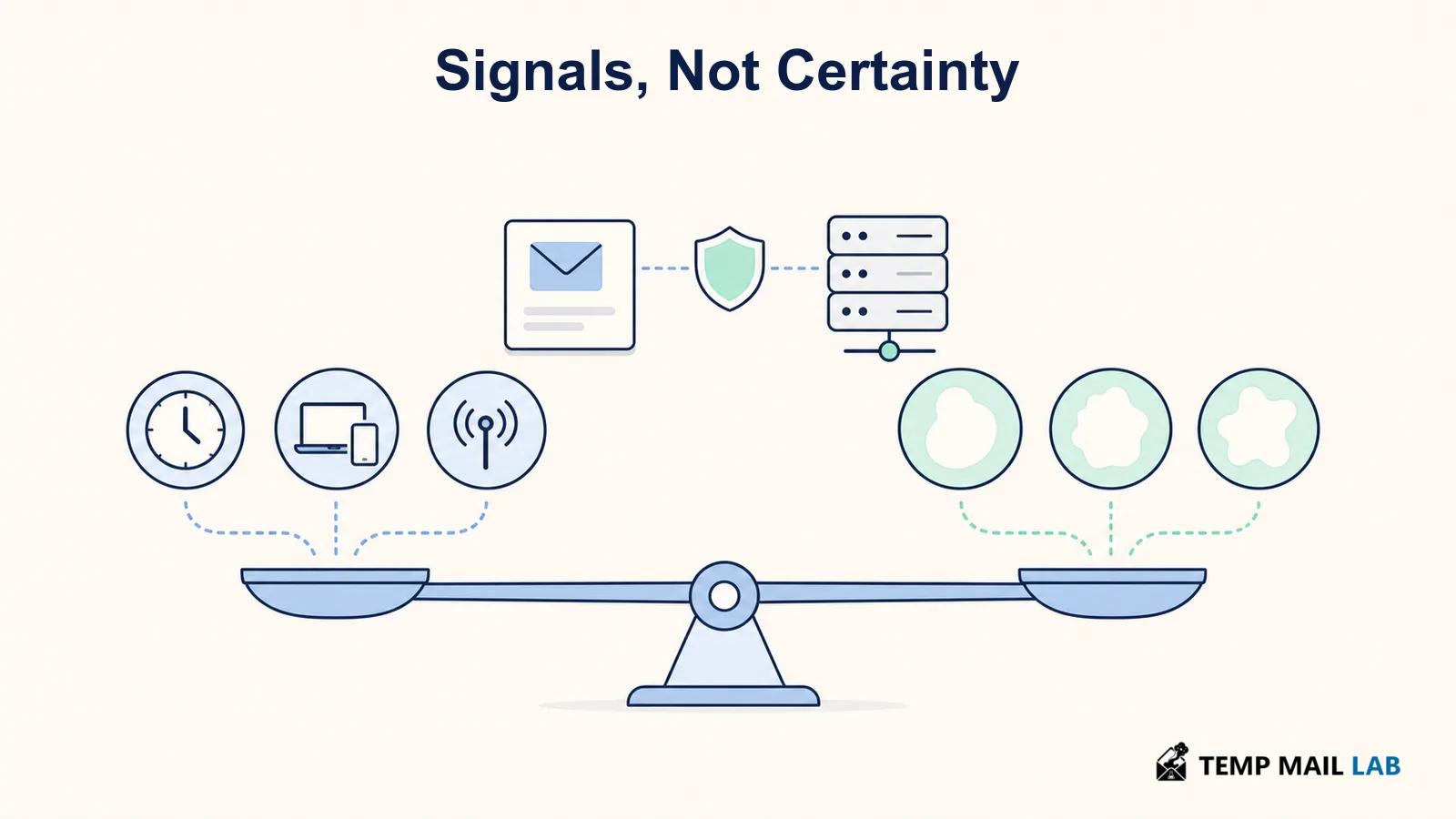
Be wary of claims that a sender can always identify your exact location or device. An IP-derived location is usually approximate, and many modern email services deliberately obscure the request. The specific mail client, its settings, and the sender's tracking setup all affect the result.

Possible email tracking signals balanced against uncertainty created by privacy protections

Why email open tracking can be unreliable

Apple's Mail Privacy Protection changes the meaning of an open event. According to Apple's Mail privacy documentation, protected Mail activity hides the recipient's IP address from senders and downloads remote content privately in the background when a message arrives rather than when it is viewed. That can make an email appear opened even if the recipient never opened it, while hiding the recipient's actual IP address.

Other services use image proxies or cache remote images. In that case, the tracking server may see the proxy's request instead of the reader's device. The sender may get a signal that content was fetched without seeing the recipient's usual network details. A message can also be forwarded, opened on several devices, or viewed through a security scanner that fetches remote content.

Gmail's help documentation notes that senders cannot use image loading to obtain information about a recipient's computer or location, although a sender may sometimes know that an email containing an image was opened. Its image settings also let users choose to ask before external images are displayed. See Google's Gmail image settings guidance for the available controls.

For senders, this means open rates are a rough operational metric, not a precise measure of readership. For recipients, it means a pixel may collect less than feared in one client and more than expected in another. The result depends on the path the remote image takes.

How to reduce email tracking

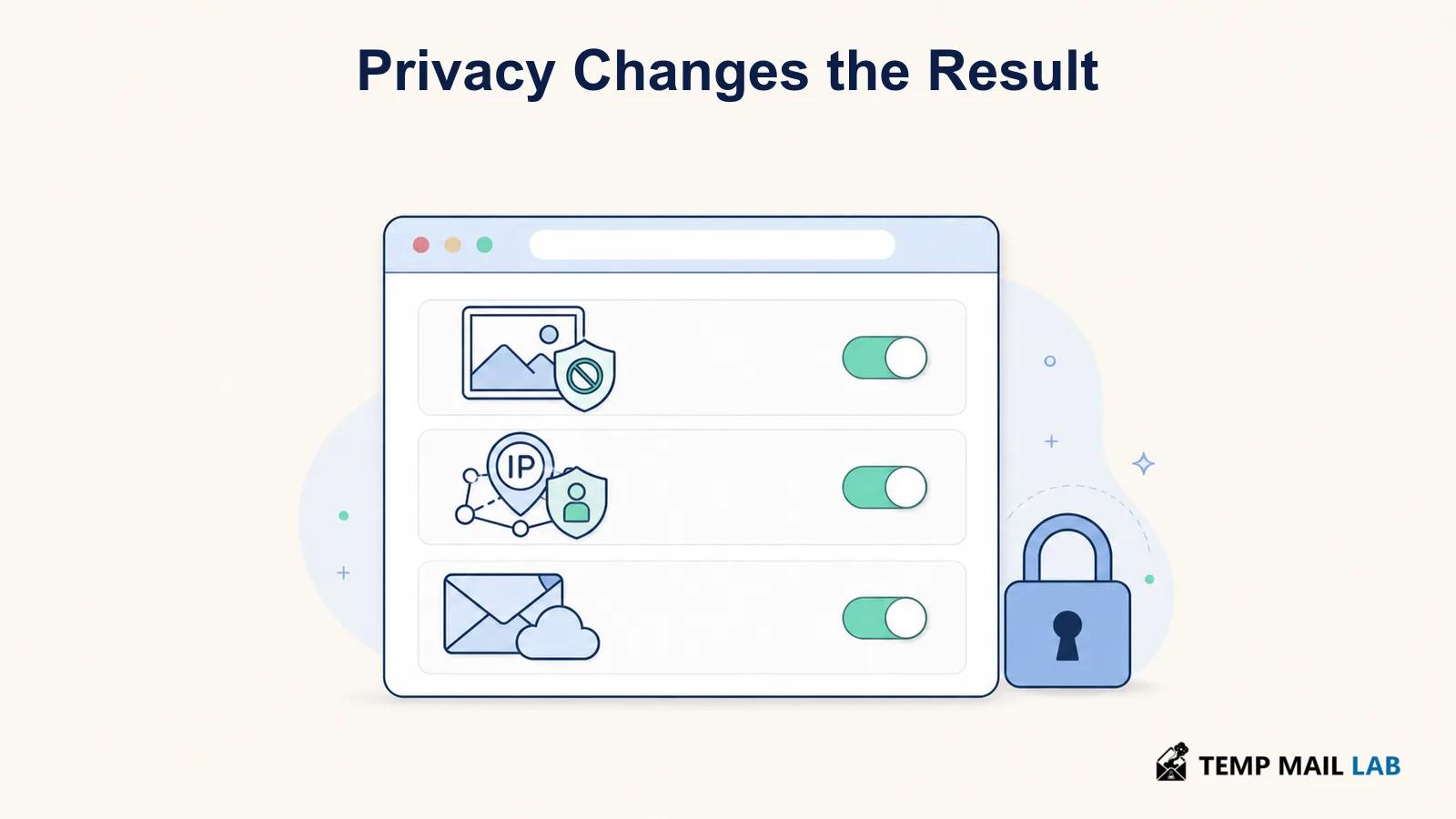
Start with the settings in the mail app you already use. If it offers a choice to block remote content, ask before loading external images, or protect mail activity, enable the option that fits your needs. Blocking remote images can make newsletters and legitimate messages look incomplete, so you may prefer to allow images only for senders you trust.

Email privacy settings that limit remote images, IP exposure, and tracking requests
  • Treat unexpected messages with more caution than familiar subscriptions. Do not load remote content or click links just to find out whether the email is real.
  • Use the privacy controls built into your mail client before adding extensions. These controls are easier to understand and are less likely to interfere with login or account-recovery messages.
  • Remember that blocking images limits pixel requests, but it does not make an email safe. A message can still contain deceptive text or links.

Mozilla explains that known email trackers may be embedded in links, images, or attachments and may report interactions such as opens. Its Firefox Relay guidance is one example of a service that can block known trackers in forwarded email. Whether you use a relay or a mail-client setting, check how it handles messages you need to keep, receipts, and account notifications.

Email tracking and privacy rules

Rules for tracking pixels depend on where the sender and recipient are located, what data is processed, and why it is processed. The ICO explains that its rules for storage and access technologies can apply to pixels in marketing email, alongside other privacy and data-protection obligations. Its guidance is useful context, but it is not a substitute for legal advice tailored to a specific organization or jurisdiction. See the ICO's direct-marketing guidance for the distinction it draws between marketing email rules and pixel-related rules.

Frequently asked questions

Can an email tracking pixel see my exact location?

Usually no. If the tracking server receives an IP address, it may estimate a broad area. That estimate can be inaccurate, and proxies or privacy features may hide the recipient's IP completely.

Does opening an email always trigger a tracking pixel?

No. The email needs to contain remote content, and the client needs to fetch it in a way that reaches the tracking server. Blocked images and privacy relays can prevent or alter that request.

Does an email pixel mean the sender can read my other emails?

No. A pixel in one message does not grant access to your mailbox. It can only collect information connected with the remote-content request for that message.

Email tracking pixels are small, but their signals are easy to overread. They can show that a remote image was fetched and may expose limited technical data. They cannot reliably prove that you read an email or identify your exact location. Use your mail app's privacy settings when that distinction matters, and treat open notifications as approximate rather than conclusive.

Online PrivacyEmail Security
Donate