
Educational purpose: This guide explains the topic in clear language to help readers make safer, informed, and lawful choices.
AI chatbots can help with writing, research, coding, studying, planning, and everyday questions. Their speed makes them feel casual, almost like a private notes app. But an AI chatbot is still an online service. When you type a prompt, upload a file, or paste a screenshot, you may be sending sensitive information outside your device.
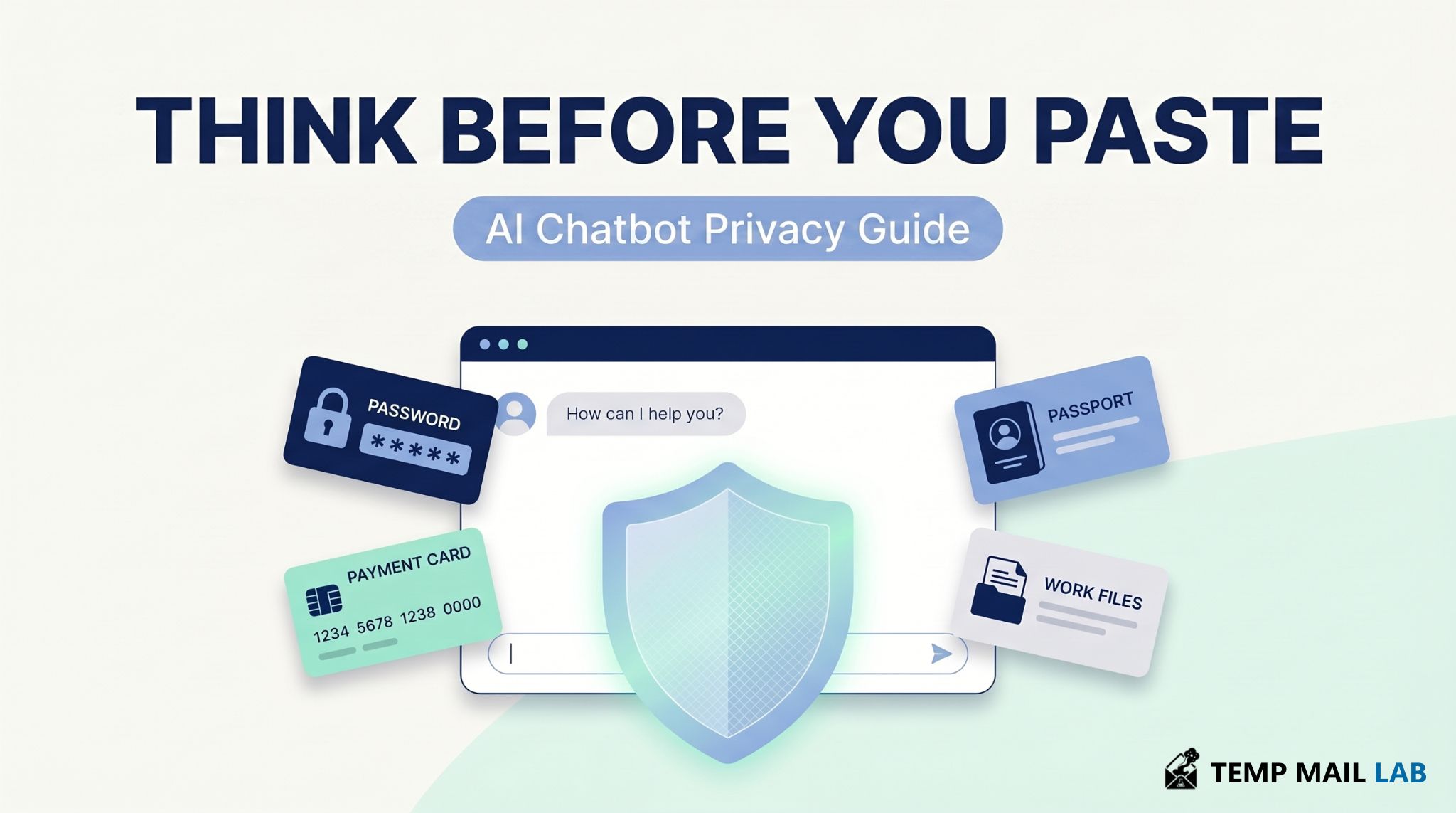
The safest rule is simple: do not share anything with an AI chatbot that you would not be comfortable sending to an online service.
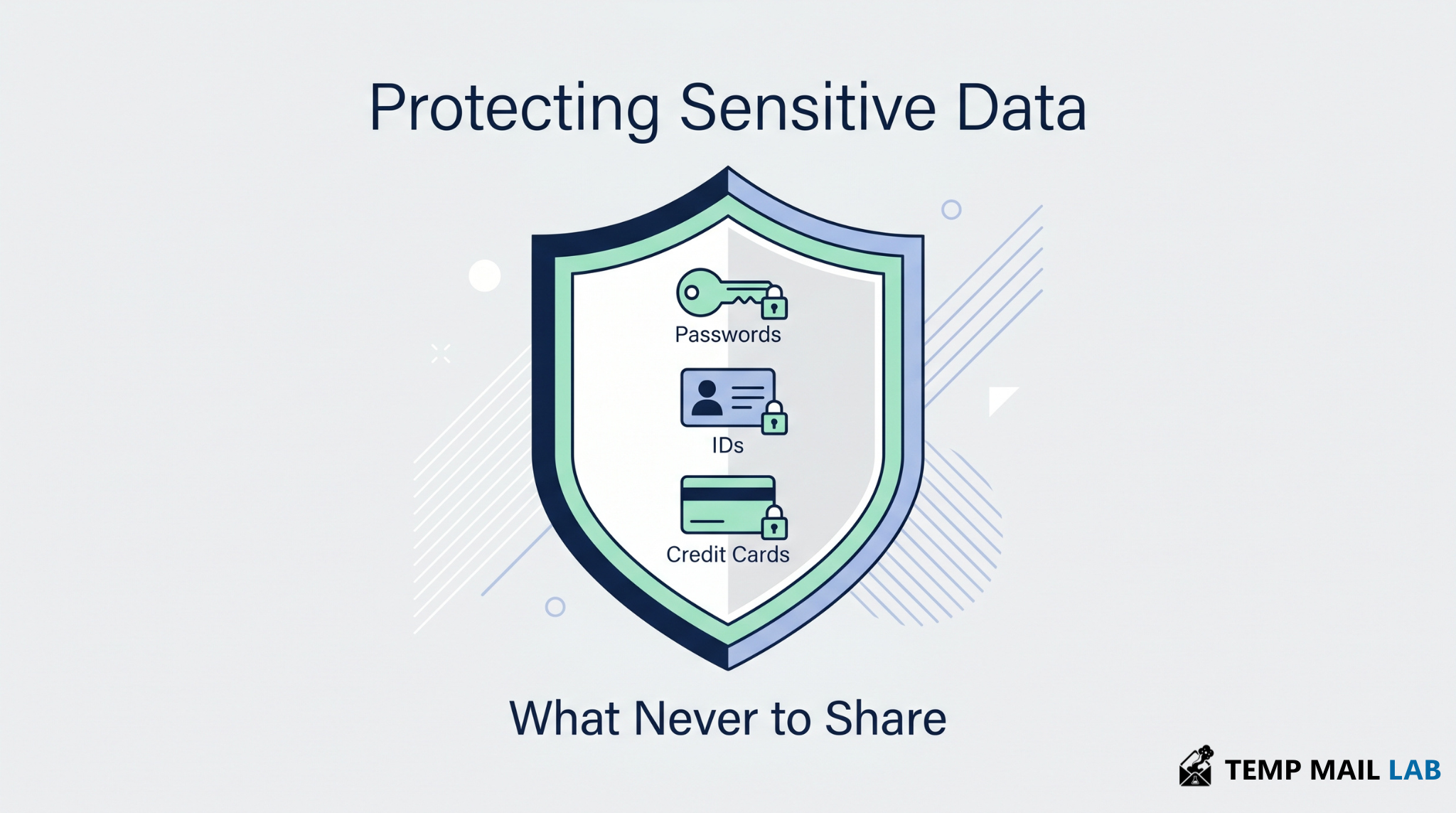
You should never share passwords, recovery codes, payment details, government IDs, private work files, customer data, API keys, full medical records, legal documents, or screenshots that reveal personal information. AI tools can be useful, but they work best when you remove sensitive details before sending anything.
Why does AI chatbot privacy matter?
AI chatbot privacy matters because people often use these tools for sensitive topics. They ask about health, money, work, legal problems, relationships, private messages, and personal decisions. A normal chat can quickly contain details that identify someone or expose something private.
A 2025 study on privacy norms around LLM chatbots found that 82% of respondents considered chatbot conversations sensitive data. The same study found that many users had discussed health and financial topics with ChatGPT. You can read the study here: Understanding privacy norms around LLM-based chatbots.
The risk is not only the chatbot. The bigger risk is oversharing. People often type more details than the tool actually needs.
What happens when you type something into an AI chatbot?
When you type into an AI chatbot, your prompt may be processed on the provider's servers. Depending on the platform, product plan, and privacy settings, your chats may be stored, reviewed for safety, used to improve services, or kept for legal and security reasons.
Some platforms give users data controls. For example, ChatGPT provides options related to chat history, data export, deletion, and whether conversations may be used to improve models. OpenAI explains these settings in its Data Controls FAQ.
These controls are useful, but they do not make every prompt safe. Treat every message as data you are submitting to a third-party service.
Should you share passwords or recovery codes with AI?
No. You should never share passwords with AI chatbots. The same rule applies to two-factor authentication codes, backup codes, recovery keys, private keys, and security question answers.
An AI chatbot does not need your real password to give useful advice. Use a fake example instead.
Bad prompt:
"My password is Dubai2026! Is it safe?"
Better prompt:
"Is a password that contains a city name, a year, and a symbol easy to guess? How can I make it stronger?"
The second prompt gives enough context without exposing the real secret.
What payment information should you avoid sharing?
Do not share card numbers, bank account details, IBANs, payment receipts, transaction screenshots, billing addresses, or full bank statements with a general AI chatbot.
You can still ask for budgeting help without exposing private financial data. Use rounded numbers and remove names, account numbers, merchant details, and addresses.
Instead of uploading a full bank statement, write:
"I spend about $450 per month on subscriptions. How can I reduce this?"
That gives the chatbot enough information to help without seeing your real transactions.
Is it safe to upload an ID or passport to an AI chatbot?
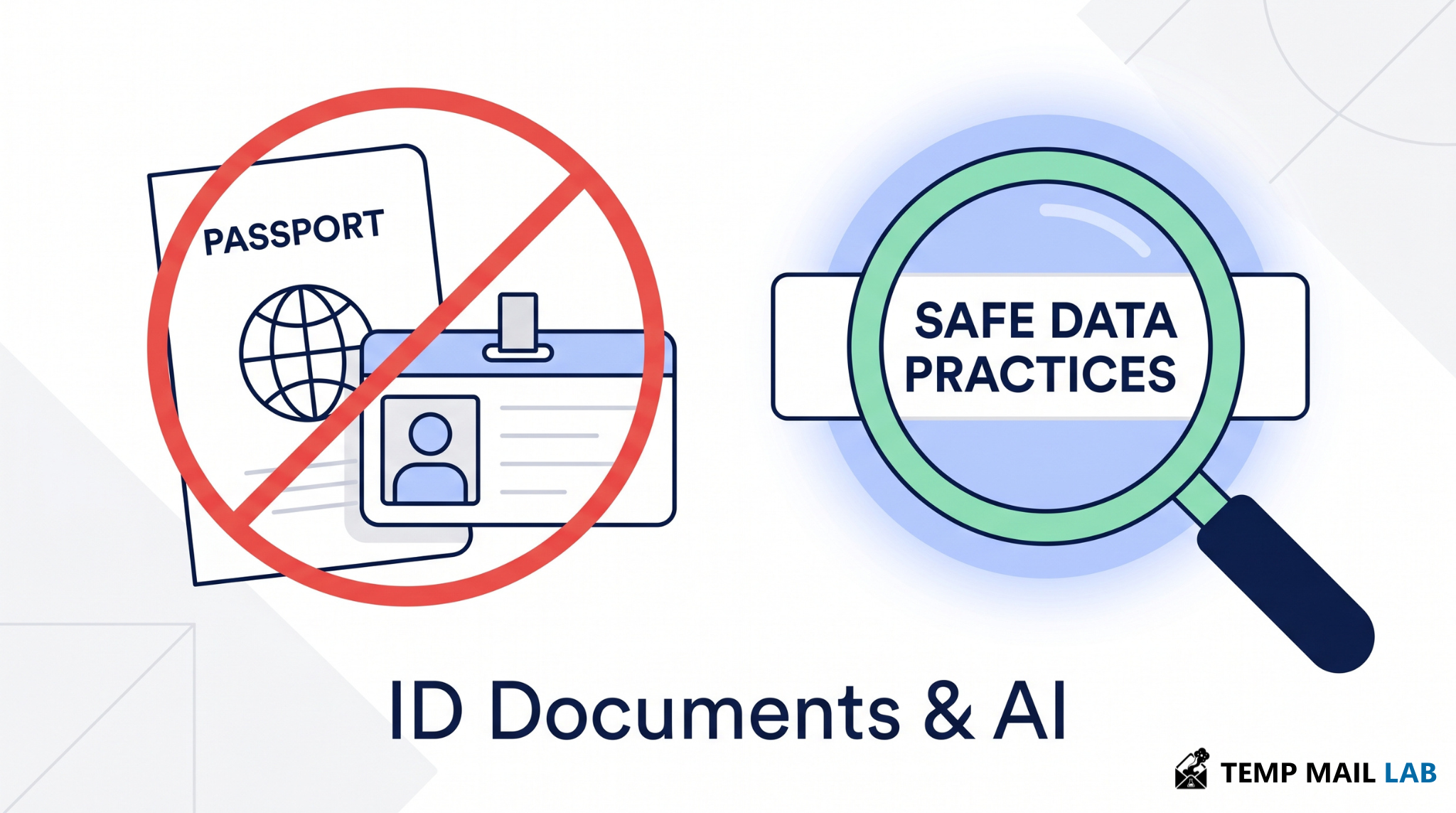
No. Avoid uploading passports, national ID cards, Emirates IDs, residence permits, driver's licenses, visas, tax documents, or insurance files to a general AI tool.
These documents usually contain several sensitive details at once: full name, date of birth, document number, address, photo, signature, nationality, and sometimes travel or legal information.
If you need help understanding a phrase inside a document, copy only that phrase and remove everything personal.
A safer prompt is:
"What does this sentence mean on an identity verification form?"
Then paste only the sentence.
Should you share your private email or phone number?
You should avoid sharing your personal email address or phone number unless it is truly needed. These details can connect your accounts, login activity, password resets, marketing profiles, and identity records.
If you want help rewriting an email, remove names, phone numbers, email addresses, order IDs, tracking numbers, addresses, and account references first.
A safer prompt is:
"Rewrite this support message in a polite tone. Replace all personal details with placeholders."
Use placeholders like [name], [email], [phone number], and [order ID]. The chatbot can still improve the message.
What is the risk of sharing work files with AI?
Work files may contain confidential information. Do not paste private source code, contracts, meeting notes, customer lists, employee data, unpublished plans, API keys, pricing sheets, internal reports, or legal documents into a public AI tool unless your company clearly allows it.
The Samsung case in 2023 is a well-known warning. Forbes reported that Samsung restricted employee use of ChatGPT and other AI chatbots after sensitive code was reportedly leaked through employee prompts. You can read more here: Samsung bans ChatGPT after sensitive code leak reports.
For work tasks, use company-approved AI tools and follow internal rules. If you are not sure, do not paste the file.
Can you share medical or legal information with AI?
You can ask general medical or legal questions, but you should not upload full private records to a general AI chatbot. Medical test results, prescriptions, mental health notes, immigration documents, legal disputes, private messages, and family issues can reveal more than one sensitive fact about you.
A safer approach is to remove all personal details first. Delete names, addresses, ID numbers, dates of birth, case numbers, signatures, and contact details.
Instead of uploading a full medical report, ask:
"What should someone consider before sharing medical information with an online tool?"
That keeps the question useful without exposing your identity.
Why can screenshots be risky?
Screenshots often reveal more than the main thing you want to show. A browser screenshot can expose open tabs, bookmarks, email addresses, profile photos, file names, notifications, location details, or account icons. A phone screenshot can show messages, apps, carrier names, and personal alerts.
Before uploading a screenshot to an AI chatbot, check the corners and background. Crop or blur anything the chatbot does not need to see.
This is one of the easiest privacy mistakes to make because people focus on the main problem and miss the small details around it.
Are shared AI chat links private?
Shared chat links are not the same as private notes. If someone forwards the link, posts it online, or makes it discoverable, the conversation may reach people you never intended.
In 2025, Fast Company reported that thousands of shared ChatGPT conversations were appearing in Google search results, with some exposing personal details. You can read the report here: Google is indexing ChatGPT conversations. Business Insider later reported that OpenAI rolled back the feature that allowed shared conversations to be made searchable: OpenAI removes ChatGPT searchability feature.
Before sharing any AI chat link, reread the entire conversation. Remove names, locations, private stories, account details, and anything that could identify you.
Do temporary chats make AI fully private?
No. Temporary chat modes can reduce some forms of history and personalization, but they do not make a conversation completely private or anonymous.
OpenAI says Temporary Chat starts from a blank conversation and does not use memory for personalization, but information may still be kept for limited safety and security purposes. You can read the details in OpenAI's Temporary Chat FAQ.
Temporary chats are useful, but they are not a reason to share passwords, IDs, payment details, or private documents.
How can you use AI chatbots more safely?
Use fake examples when real data is not needed. Replace names with "Person A" and "Person B." Replace emails with user@example.com. Replace account numbers with 1234. Summarize the situation instead of pasting raw documents.
Check the privacy settings of the AI tool you use. Turn off training options where available. Use temporary chats for sensitive but non-critical questions. Delete conversations you no longer need. Avoid connecting extra accounts unless you understand what data will be shared.
For sign-ups, trials, or testing new AI tools, consider using a separate email address instead of your main inbox. This does not make you anonymous, but it reduces how often your primary email is exposed.
The FTC has also warned companies that quietly changing privacy terms to use consumer data for AI training can be unfair or deceptive. You can read the FTC post here: AI companies and changing terms of service.
FAQ
Can AI chatbots store my conversations?
Yes, depending on the platform and settings. Some services let you delete chats or control whether conversations are used to improve models, but storage rules vary. Do not rely on settings alone when handling sensitive data.
Is it safe to upload private documents to AI?
Only after removing sensitive details. Do not upload documents that contain your name, address, ID number, account details, signature, customer data, or private company information unless you fully trust the tool and have permission to use it.
What is the safest rule before sending anything to AI?
Ask yourself: does the chatbot truly need this exact detail? If not, remove it. Keep the useful context and delete anything that could identify you, expose your accounts, or reveal private information.
Final takeaway
AI chatbots are useful, but they are not private diaries. Treat every prompt as information sent to an online service.
Never share passwords, recovery codes, payment details, government IDs, private work files, customer data, API keys, full medical records, legal documents, or screenshots that reveal personal information.
The safest AI habit is simple: edit before you paste. Remove what the chatbot does not need, use fake examples where possible, and keep sensitive details outside the conversation.