
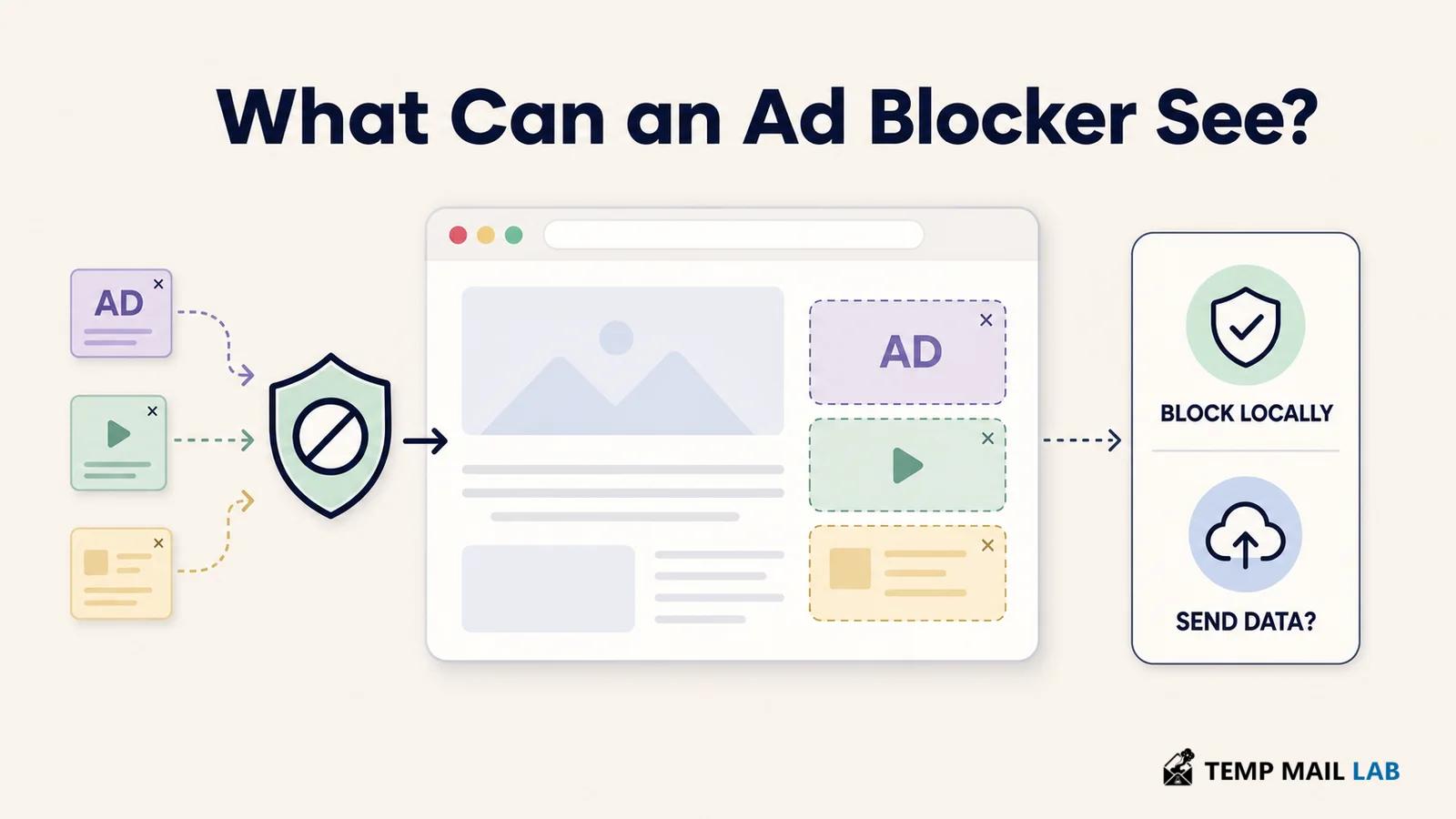
Install an ad blocker and the browser may show a warning that sounds much larger than the job you had in mind.
The extension wants permission to "read and change" data on the websites you visit.
For a tool whose name suggests a fairly simple job, that can look excessive.
Sometimes it is not.
An ad blocker has to work where the ads are, and ads do not live on one website. The same blocker might be expected to work on a news site in the morning, a search engine ten minutes later, and a completely unrelated forum in the afternoon.
That explains why broad access can be useful.
It does not explain everything the extension does with that access.
Those are two separate questions.
Why blocking ads can require access across the web
Open a typical webpage and not everything you see necessarily came from the site's own server.
The article may have come from the publisher.
An advertisement could have been requested from another company.
Analytics may come from somewhere else again.
There may also be scripts, images, fonts, video players, recommendation widgets, and other resources loaded while the page is being built.
A blocker needs some way to decide which of those things should be allowed through.
For a tool that is supposed to work on thousands of unrelated websites, permission limited to one domain would not be very useful.
Mozilla's extension documentation describes host permissions as access associated with particular web addresses. Depending on the extension and browser APIs involved, those permissions can support things such as injecting content scripts, reading information about matching tabs, or receiving web-request events.
Mozilla WebExtension permissions documentation
That is a wide technical capability.
It is also possible for a legitimate blocker to need part of it.
Imagine an extension that works perfectly on example.com but stops doing anything as soon as you visit another site. That would be a poor fit for a product whose purpose is to block ads across normal browsing.
A calculator extension is different.
So is a tool that changes the colors of one specific website.
If either of those asks to operate everywhere, I would want a much better explanation.
The job gives the permission some context.
What the warning does not tell you
A browser permission is not a recording of what an extension actually did.
Suppose an extension is allowed to work on every website.
That tells you something important: the browser has given it a broad place in your browsing environment.
It does not tell you that the extension copied every paragraph you read.
It does not tell you that your passwords were collected.
It does not tell you that your browsing history was sent to a server.
Those would be claims about behavior, not permission.
The distinction becomes easier to see with an ordinary blocking rule.
A page tries to load a resource from a domain known for advertising.
The blocker recognizes the request and prevents it from loading.
The permission made the blocking possible.
There may be no reason for the extension to save the page itself.
Another extension could have similar permissions and a very different design.
Perhaps it offers account syncing.
Perhaps it uploads diagnostics.
Maybe some feature depends on a remote server.
The permission screen alone cannot show that difference.
Network blocking can happen without reading an article
Modern blockers do not all work by taking the complete contents of a webpage and examining every word.
A large part of blocking can happen around network requests.
Chrome provides an API called declarativeNetRequest for extensions that block or modify network traffic using rules.
Chrome declarativeNetRequest documentation
A blocker can have rules describing addresses or request patterns it wants the browser to block.
When a request matches one of those rules, the browser can apply the action.
That model is useful because the extension's own JavaScript does not necessarily need to inspect every request in the same way an older filtering architecture might.
Consider a page trying to fetch:
ads.example-network.com/banner.js
A blocking rule may recognize that destination and stop the request.
The blocker does not need to understand the article you are reading in order to know that a request matches a rule.
That is one reason "can work on this page" and "reads everything on this page" should not be treated as synonyms.
But network filtering is not the whole job.
Some ads have already affected the page layout by the time a blocker gets involved.
Remove the advertising content and you may be left with an empty rectangle, a blank sidebar, or a large gap in the middle of an article.
That is where cosmetic filtering comes in.
The blocker may work with the structure of the page so it can hide the empty container as well.
An element picker works at this level too.
You click something annoying on a website and tell the blocker that you do not want to see it again. The extension has to identify the element you selected before it can create a rule for it.
Those are page-level operations.
They help explain why an ad blocker may need to interact with the page itself even when much of its filtering is based on network rules.
URLs can reveal quite a lot without revealing the page text
Network information deserves some care of its own.
Mozilla documents webRequest as an API that lets extensions observe and, with the appropriate permissions, interact with web requests.
Mozilla webRequest documentation
What an extension can see depends on the browser, API, event, and permissions involved.
A URL is not the same thing as the full contents of a webpage.
Still, URLs can be sensitive.
Suppose somebody looks at a page on a cancer clinic's website.
Another person visits an addiction support service.
Someone else opens the login page for a particular bank, a dating service, or an internal company tool.
Even without reading the text displayed on those pages, a record of where the browser went can reveal something about the person using it.
So when an ad blocker's privacy policy talks about "browsing activity," "URLs," or similar information, I would not dismiss the wording simply because the product is not copying article text.
Browsing metadata can matter on its own.
The more useful question is what happens to it.
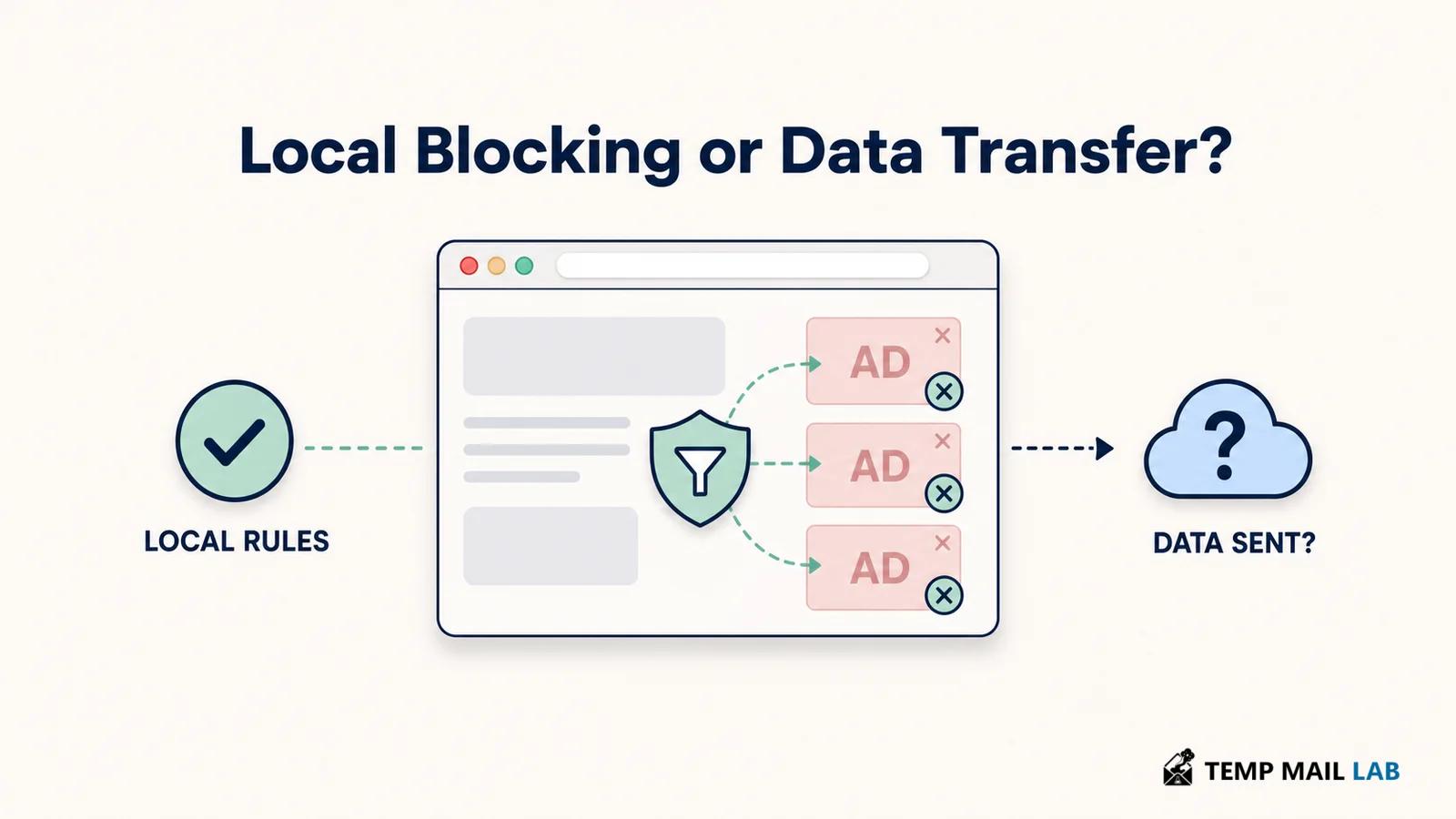
Local filtering and remote collection are different designs
Take two blockers that display similar permission warnings.
Both can operate on the websites you visit.
The first downloads filter lists and applies them inside the browser. A request matches a rule, the browser blocks it, and that particular decision stays on the device.
The second may also block locally, but perhaps it sends some browsing information to a server for analytics, account synchronization, diagnostics, or another feature.
The permission warning could look similar.
The data path is not.
Once information leaves the browser, there are more questions to answer.
Which server receives it?
Is it linked to an account?
How long is it kept?
Is another company involved?
Can the collection be disabled?
Does turning it off break the blocker, or only an optional feature?
This is the part of an extension review that I find more useful than counting how many permissions appear on the install screen.
A permission tells me what the browser allows.
The extension's design tells me what happens next.
Firefox has started making that distinction more visible for newer extensions.
Mozilla's user guidance describes disclosures for categories of data that an extension says it collects or transmits, including browsing activity, website content, technical information, and interaction data.
Mozilla extension data collection guidance
Mozilla also explains that optional technical and interaction data needs an opt-out that does not prevent the extension from functioning.
That does not mean a disclosure can independently prove what every line of code does.
It does make the question clearer.
Site access and data collection are not the same item.
A blocker can have one without necessarily doing the other in the way a user might assume.
What I look at before installing one
The store page is the easiest place to begin.
I first look at who published the extension.
Sometimes the product name and the publisher name are almost identical.
Sometimes they are not.
If the extension is maintained by a company, I want to know which company. If it is an open-source project or nonprofit organization, that is useful context too.
Then I open the privacy policy linked from the listing.
I am not looking for reassuring adjectives.
"Private."
"Secure."
"Privacy first."
Those words are easy to write.
I am looking for nouns and verbs.
Does the policy mention browsing activity?
Website content?
URLs?
Analytics?
Diagnostics?
Account information?
Advertising?
Service providers?
Then what does it say happens to those things?
Collected?
Processed locally?
Sent?
Stored?
Shared?
Deleted after a certain period?
The wording can be boring, but that is exactly where the useful information often sits.
A policy that only describes the company's marketing website does not answer much about an extension running inside the browser.
If the blocker has access to pages and the policy never explains the extension's own data practices, I am still missing an important part of the picture.
The permission should make sense beside the feature
Broad site access is not surprising for a full ad blocker.
Some other permissions may also have ordinary explanations.
The useful check is whether the collection of permissions still resembles the product being advertised.
Imagine a blocker that offers basic filtering and nothing else.
Then imagine another product that includes blocking, cloud synchronization, an account system, shopping tools, an AI assistant, and a rewards program.
Both may still be called ad blockers.
They are no longer equally simple products.
The second one may have good reasons for additional permissions or data flows, but there is more to understand before installing it.
Chrome's own extension guidance encourages developers to request only the permissions required for the extension's purpose and to use optional permissions when access is only needed for a particular feature.
Chrome permission warning guidance
That is a useful idea from the user's side as well.
If a feature is optional, I like seeing the permission arrive when I actually choose to use that feature rather than being granted permanently on the first day.
Site controls can narrow the reach, with a tradeoff
Browsers can give users some control over where an extension runs.
Depending on the browser and extension, you may be able to let it work everywhere, only on selected websites, or only after you click it.
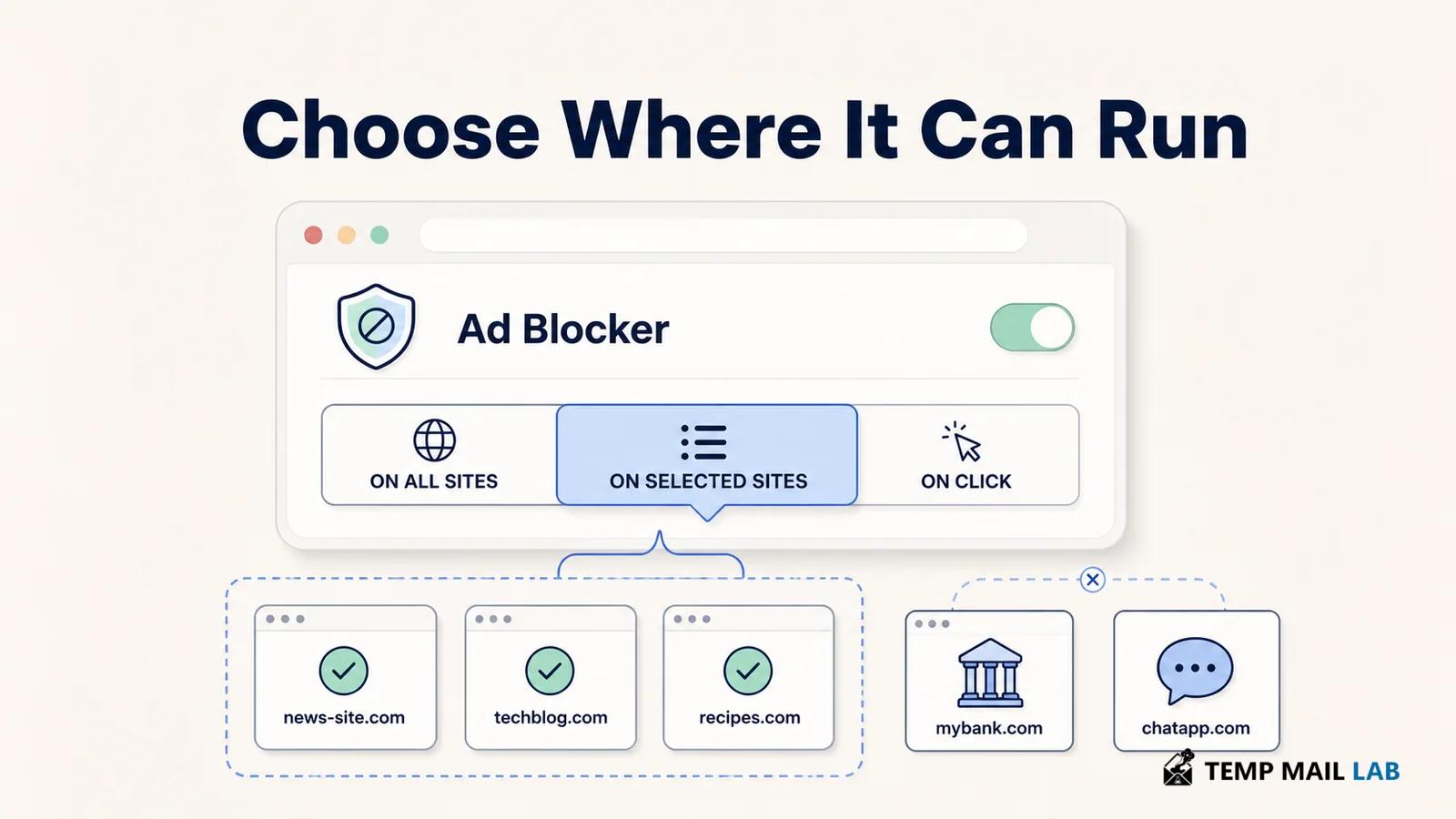
For a full ad blocker, restricting it to three websites obviously changes what the product can do.
The blocker cannot remove ads on a fourth site if the browser does not allow it to work there.
That is a real tradeoff rather than a hidden privacy trick.
For another extension that you use once a week on one particular site, broad permanent access may make much less sense.
This is why I would not apply exactly the same permission rules to every extension.
The feature matters.
So does where you use it.
Sensitive pages make the extension list more interesting
Think about a browser that has accumulated extensions for years.
There is an ad blocker.
A coupon finder.
A screenshot tool.
A writing assistant.
A color picker.
A developer extension from an old project.
Maybe two tools you no longer recognize.
Now open online banking in that browser.
The bank has its own security controls, but the extensions are still part of your browser environment according to whatever permissions they have.
The same consideration applies to health portals, work dashboards, email, password-management pages, and private conversations.
This does not make the extensions malicious.
It means sensitive pages are a good place to care about which software has access.
One simple approach is to keep a separate browser profile with a much smaller extension list.
Perhaps the everyday profile contains all of the tools you like.
The work profile contains a password manager and one or two things you actually need for work.
That profile is not anonymous.
The websites still see a normal browser.
It is simply easier to understand because fewer unrelated extensions are sharing the environment.
Our guide to what information websites can collect when you visit them looks at the other side of the page: information that the website itself may receive during a visit.
An extension you stopped using still exists
Browser extensions are easy to forget.
A blocker may stay useful for years, but plenty of other extensions do not.
Someone installs a tool to download one file.
Another extension was needed for university.
A shopping helper made sense during one purchase.
Months pass.
The extensions remain installed.
That is worth fixing for a very ordinary reason: unused software still creates work.
It can update.
Its publisher can change.
Its permissions remain part of the browser.
Its privacy policy can be revised.
If I no longer receive any benefit from an extension, I do not gain much by continuing to carry all of that.
The same idea applies to an old ad blocker that has changed substantially over time.
Maybe the blocker originally worked without an account.
Later it adds synchronization.
Another version introduces analytics or another online service.
None of those additions automatically makes the blocker bad.
They do mean I am no longer looking at exactly the same product I installed years ago.
Release notes can be surprisingly useful here.
They tell you when something important has changed without requiring you to reverse-engineer the extension.
A blocker can work without sending every page to a server
There is no technical requirement that an ad blocker upload everything you browse simply because it blocks across the web.
Local filtering is entirely possible.
Filter lists can be downloaded.
Rules can be evaluated in the browser.
Page elements can be hidden locally.
That answers one common question.
It does not answer the privacy practices of every blocker.
A particular product may still communicate with servers to download updates, synchronize settings, sign in to an account, submit diagnostics, or provide some other service.
Those are separate functions.
So when a blocker says it performs filtering locally, I would read that statement literally rather than stretching it into "the extension never sends any information anywhere."
The privacy policy should describe the rest.
Does all-site access mean it reads every page?
Not necessarily.
The permission may allow the extension to interact with pages across that scope.
How much of that ability it uses depends on the implementation.
A blocker might use network rules for a large portion of its work and inspect page structure when cosmetic filtering is needed.
Another product could use broader page access for additional features.
The warning cannot show you the complete difference.
That is why the extension's documentation matters.
I would also avoid interpreting the opposite way.
Seeing that an extension uses declarativeNetRequest does not automatically prove that no other feature can access page content.
Extensions can contain several features and use more than one browser API.
Look at the product as a whole.
Broad permission is not automatically a reason to uninstall a blocker
If I saw an ad blocker requesting access across websites, I would not treat that alone as evidence that something had gone wrong.
Blocking ads across websites is what the product is supposed to do.
I would be more interested in whether the rest of the story fits.
Who operates it?
What gets processed locally?
Does browsing information leave the device?
What optional features are enabled?
Does the policy explain retention and sharing clearly enough?
Have recent updates added anything important?
Those questions tell me much more than the size of one permission warning.
The easiest browser to review is one you still understand
A blocker is one piece of the browser.
The difficulty usually begins when that piece is considered in isolation.
An all-site permission can look alarming until you remember that the blocker is expected to work on all sites.
The same permission can look less reassuring when it belongs to a tiny tool with no obvious reason to be there.
Neither conclusion comes from the permission alone.
The feature gives the access context.
The privacy policy explains what the publisher says it does with information.
The settings show which optional features are active.
The browser tells you where the extension is currently allowed to run.
Put those pieces together and the warning becomes much easier to interpret.
I would still remove extensions I no longer use.
For the ones that remain, I want to be able to answer a fairly simple question when I see them in the browser: why is this program here?
With an ad blocker, "because it needs to inspect or modify parts of webpages so it can block ads" may be a perfectly reasonable answer.
The next question is the one that matters for privacy.
After it performs that job, what information leaves the browser?
That is where the permission review really begins.