Back to BlogTemp Mail Lab Journal

Can a browser extension read your AI chats?

TempMailLab TeamJuly 28, 20269 min read
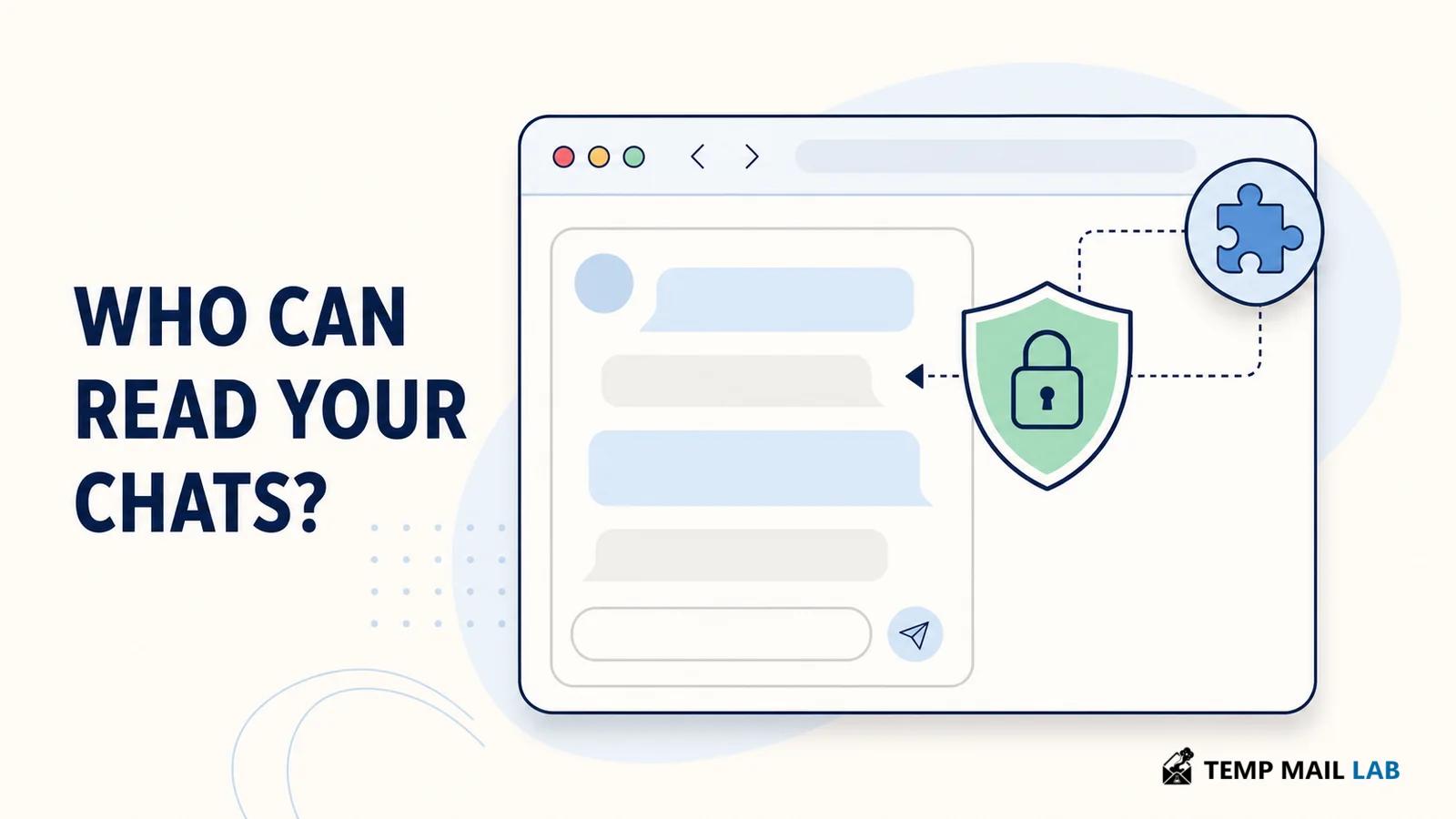
Browser extension beside a private AI chat window with a privacy shield

How browser extension permissions can expose AI chat content, how to read privacy policies, and what to check before you trust a tool.

A browser extension does not need to break into an AI chat site to see what appears there. If you grant it access to a site, its code can run in the browser alongside the page. That can be necessary for a grammar tool, a password manager, or an accessibility helper. It also means a tool with broad site access can potentially encounter prompts, replies, attachments, and account-adjacent details in a chat window. The useful question is not whether every extension misuses that position. It is whether its permissions, stated purpose, and data practices deserve the trust you are giving it.

Why an extension can see chat content

Browser extensions are applications that operate inside the browser. Many features rely on host permissions or content scripts, which allow an extension to interact with pages that match specified addresses. Chrome's extension documentation explains that host permissions can support script injection, cookie access, and other interactions on matching sites. Access to every site is therefore much broader than access to one named service.

When an extension can run on an AI chat domain, it may be able to read what the page displays or inspect traffic the page sends and receives, depending on its design and permissions. That does not mean the extension can bypass the AI provider's account security by itself. It means the extension may have access at the point where you are already signed in and reading or typing. A private browser session does not turn off an extension that has been allowed to run there.

The most concerning pattern is not a single permission by itself. A translator, ad blocker, VPN extension, or AI assistant may have a legitimate reason for some access. Risk rises when broad access is paired with a vague explanation, a behavioral-data business model, or a feature that does not clearly need to inspect page content. Treat an install warning as a capability statement. It tells you where the software can be positioned, not a guarantee about what it will do.

Permission is capability, not proof

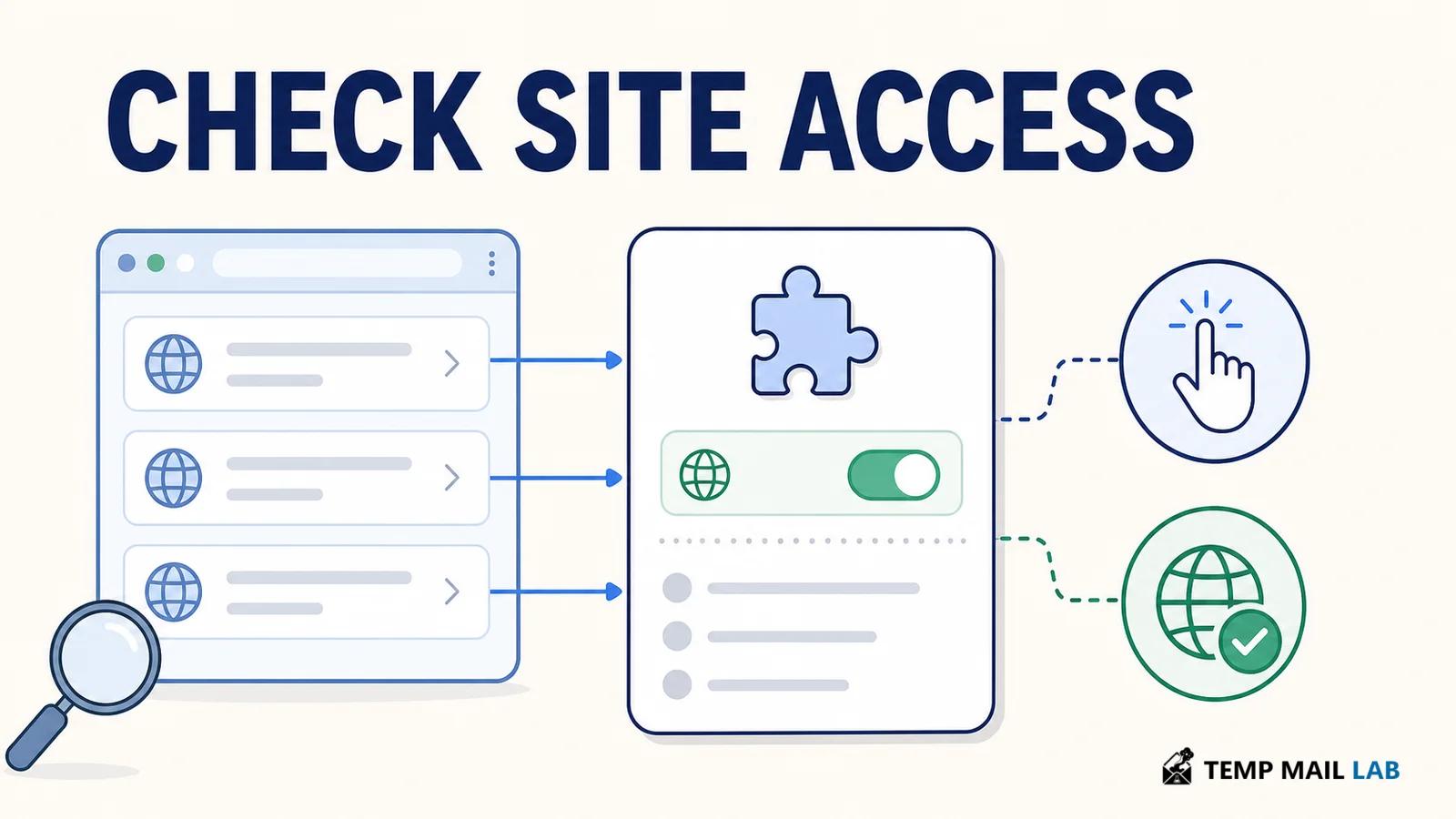
Store wording can sound technical or routine. Phrases such as "read and change all your data on websites you visit" deserve a pause because they usually reflect broad host access. In Chrome, you can often choose to let an extension run only when you click it or only on selected sites. That setting is useful for a tool you need occasionally rather than on every page.

Open the extension details page and check the sites it can access. Is it allowed on all sites, a short list of domains, or only the active tab after you invoke it? Also note permissions related to tabs, clipboard access, cookies, downloads, or scripting. None of those labels proves harmful behavior. They help you ask a sharper question: does this feature need this access for the job I installed it to do?

A VPN extension shows the distinction. It may need proxy-related access to route browser traffic. That does not automatically explain why it needs to inject code into a chat application or retain the text you enter there. The explanation may be reasonable, but it should be specific enough for a normal user to understand the data flow. If the answer is buried in a long policy or depends on several unrelated settings, the trust decision is harder to make.

Extension settings illustration showing website access and click-to-run controls

Read privacy language as a data-flow description

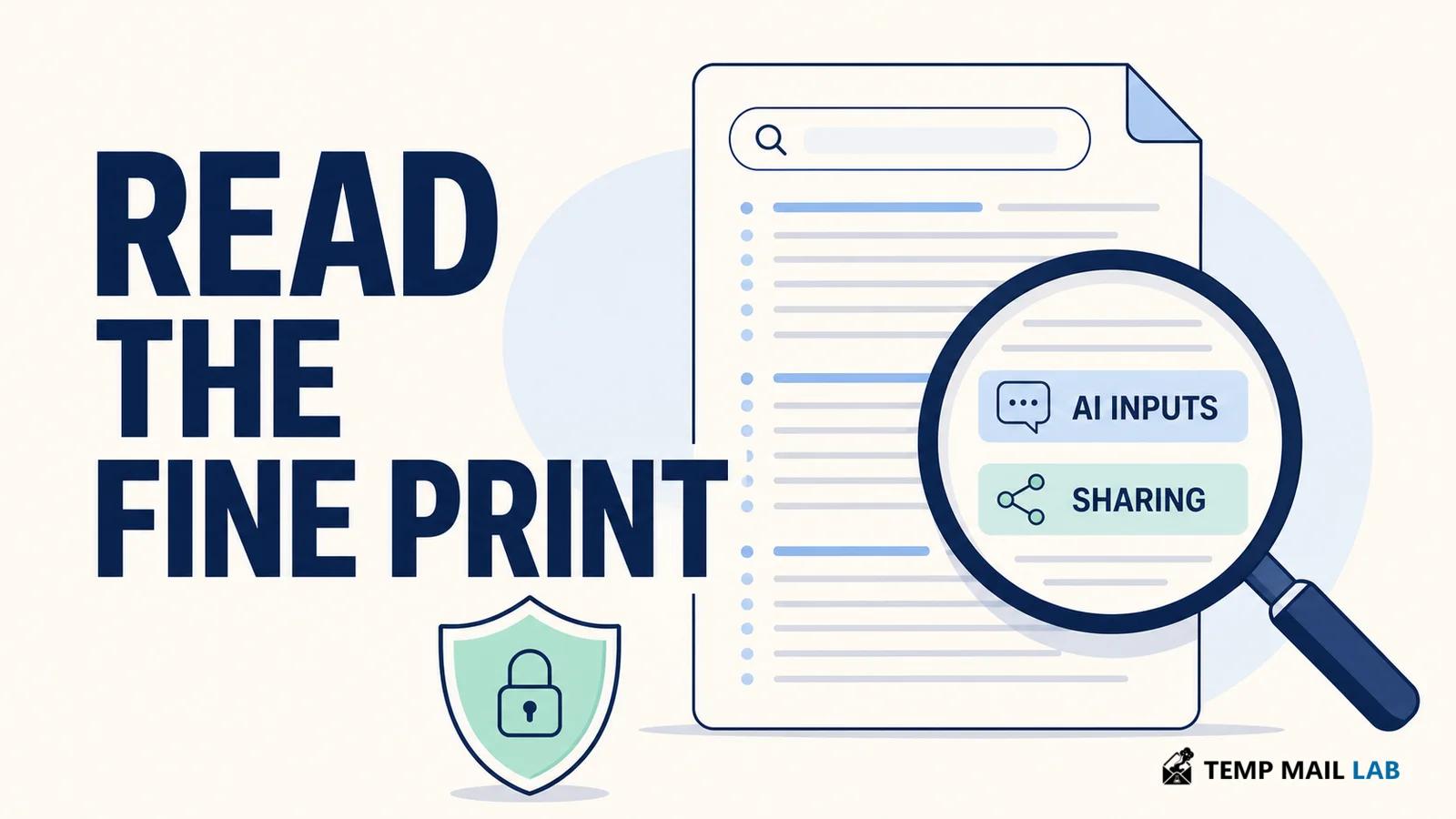
Privacy policies often use broad phrases such as "improve our services" or "provide functionality." Those phrases do not answer the questions that matter for a private chat. Look for the exact data category first: "AI inputs and outputs," "prompts," "chat content," "website content," or "browsing data." Then look for the verbs attached to it: collect, process, retain, disclose, share, aggregate, de-identify, sell, train, or analyze.

A statement that data is de-identified is not the same as a statement that raw text is never collected. A statement that data improves a product is not the same as a statement that it trains an AI model. A policy may describe analytics, product improvement, advertising measurement, and model training in different sections. Read each one as a separate question: what is collected, where does it go, how long is it kept, who receives it, and can I turn it off?

Search for "training," "marketing analytics," "business partners," "de-identified data," and "AI inputs and outputs." Search for the company name too, then any parent company, affiliate, or analytics provider named in the policy. If a policy says data is shared with affiliates or business partners, look for a description of the recipient and purpose. Clear disclosure does not make every practice acceptable to every user. It does make the tradeoff visible.

Privacy policy document highlighting AI inputs and sharing terms

For related advice, see our guide to data you should avoid sharing with AI chatbots. That advice still applies even when you trust the chat provider, because the browser around the chat can have its own access rules.

Urban VPN: a report and the company's response

Urban VPN is a useful case study because the public accounts disagree on an important point. In a December 2025 research report, Koi said Urban VPN Proxy included scripts that captured prompts and responses from several AI chat services, and said the functionality appeared in version 5.5.0 on July 9, 2025. Koi also said the collection operated independently of the VPN connection and the feature's visible warning controls.

Urban VPN's privacy policy says it may collect AI prompts and outputs as part of browsing data and says it discloses AI prompts for marketing analytics purposes. That language describes collection and disclosure. It does not, by itself, say that AI conversations are used to train an AI model. Those are separate claims and should not be merged.

Urban VPN later responded publicly that its AI Protection feature is optional, requires explicit opt-in, can be disabled in settings, and stops AI-related processing when disabled. It also said version 5.5.0 introduced the feature but did not silently enroll existing users. The company disputes Koi's conclusions about default collection and user control. Keep both accounts labeled: Koi's findings are a researcher's claims, and Urban VPN's statement is the company's response.

The broader lesson does not depend on deciding that dispute from a blog post. A privacy-oriented tool can have permissions and policy language that deserve close review, particularly when it can run on pages where people discuss health, finances, work, family, or code. A good audit separates what the software can access, what the policy says it may collect, and what independent reporting alleges about how the code behaves.

A five-minute extension review

  • Open the browser's extension manager. Remove tools you no longer recognize or no longer use. Fewer extensions reduce the number of programs that can interact with pages.
  • Check site access. Prefer "on click" or a short list of sites when the extension still works that way. Keep chat, banking, email, and work domains out of broad access unless the feature truly needs them.
  • Read recent update notes and the store listing. A new AI feature, analytics component, or broader permission request deserves a fresh decision, even if you installed the tool years ago.
  • Read the policy's data categories and sharing language. Search the terms above, then look for an opt-out, a setting, or an account-level control that matches the collection described.
  • Identify the publisher and any affiliated companies. A familiar extension name is not a substitute for knowing who operates it and where privacy requests are handled.

If you keep a tool, review it again after a meaningful update. Chrome warns users when host permissions or content-script match patterns change, but a policy, ownership change, or new data practice may need more reading than a permission prompt can convey. The goal is not to treat all extensions as hostile. It is to give broad browser access only where you can explain why it is needed.

Reduce exposure while you decide

If an extension is useful but does not need to be present everywhere, restrict its site access before removing it. You can also use a separate browser profile for work, banking, or sensitive AI tasks with a minimal extension set. That is a practical boundary, not a promise of complete protection. Keep the browser and extensions updated, and remove an extension if its new purpose no longer matches the reason you installed it.

A VPN can protect parts of a network connection, but it does not make every browser component private. Our explanation of what a VPN actually protects covers that limit. An extension with page-level access is a separate trust relationship.

Questions people ask

Can an extension read a private ChatGPT, Claude, or Gemini chat?

An extension that has permission to run on that site may be able to interact with page content or associated browser activity, depending on its design and permissions. "Private" in the product sense does not remove access you have granted to software in your own browser. Review site access and the extension's stated data practices.

Does incognito mode stop extensions from seeing a page?

Not automatically. Browsers generally require a separate choice before an extension can run in private browsing, so check the extension details page. If you have allowed it in incognito, it can still run there according to the access you gave it. Private browsing mainly changes what the browser retains locally after the session.

Does a policy mentioning analytics mean my chats train an AI model?

No. Analytics, product improvement, and AI training are different purposes. The policy should say which data is used for which purpose. If it names prompts or outputs but does not explain retention, sharing, and training clearly, treat that gap as a reason to limit access or choose another tool.

Keep the trust boundary small

A browser extension can be useful without being entitled to every page you visit. Check its site access, read the specific words used for chat and browsing data, and revisit the decision when its code or policy changes. The safest default for sensitive conversations is simple: only the tools that genuinely need to see them should be allowed to run there.

AI PrivacyOnline PrivacyCybersecurity
Donate