
Educational purpose: This guide explains the topic in clear language to help readers make safer, informed, and lawful choices.
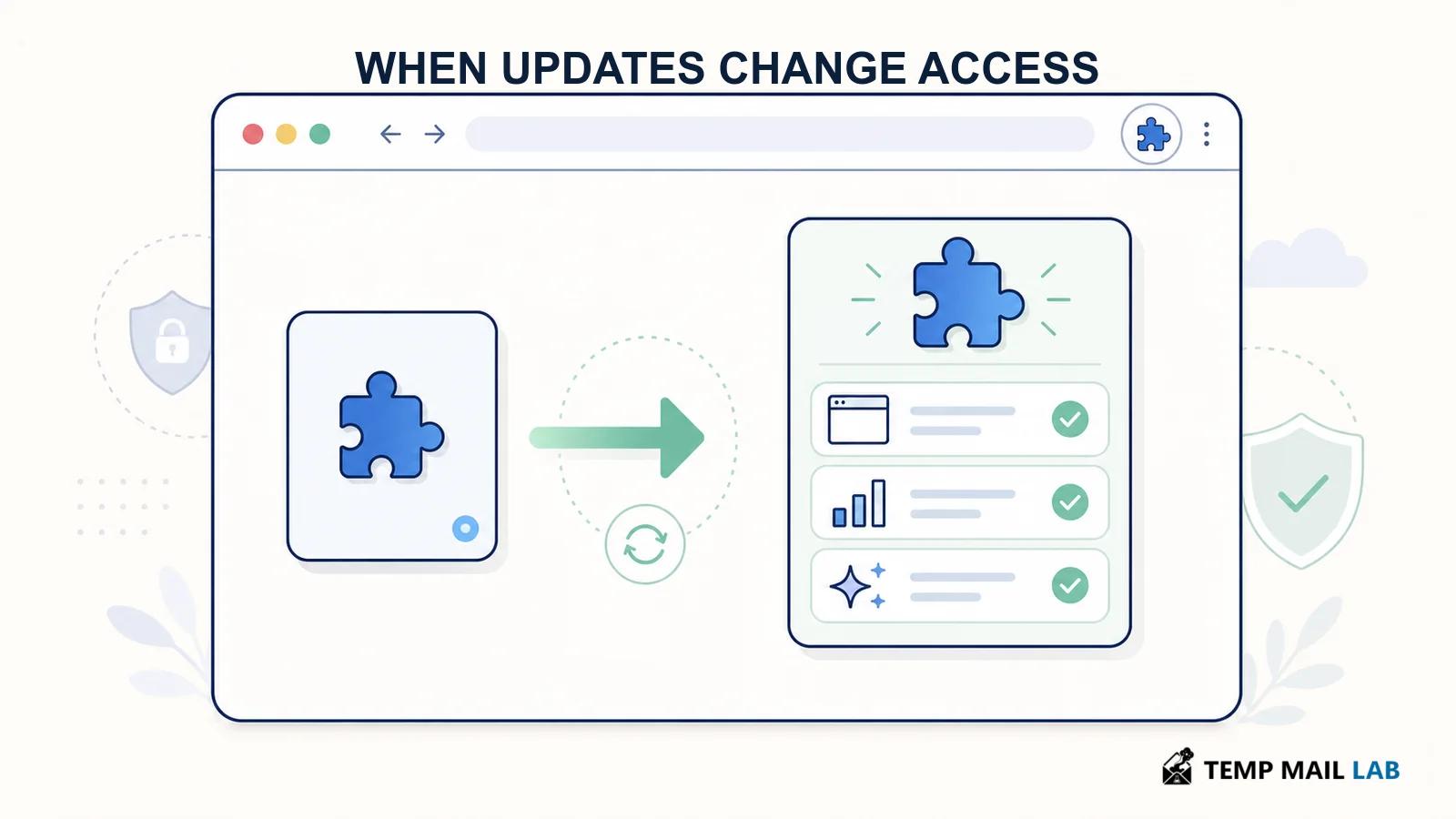
The extension you installed last year may not be the extension you are running today. Updates are necessary because they repair bugs and security flaws. They can also add features, analytics, permissions, or outside services that did not exist when you made the original decision. Automatic updates keep software current, but they reduce the chance that you will revisit what changed. The point is not to freeze every app at an old version. It is to treat a meaningful update as a new trust decision when the software's reach or business model changes.
Why the installation decision expires
At installation, you usually see a name, a publisher, ratings, a description, a privacy link, and a short list of requested permissions. That is a snapshot. Months later, the publisher can add an AI feature, a new analytics SDK, advertising, a new affiliate, or a permission that reaches more sites. The product can also be sold, merged into another company, or renamed. The original reasons you trusted it may no longer describe the software.
A browser extension is particularly sensitive because it can sit in front of many web pages. Chrome's documentation notes that changes to host permissions and content-script match patterns can trigger warnings. Those prompts matter, but they do not summarize every code change, new data purpose, policy revision, or ownership change. Reading the update note is useful. Reading the privacy policy again is sometimes necessary.
Phones create a similar problem. Mobile applications can add a tracking library, a new sign-in provider, a cloud backup feature, or an in-app AI assistant. An app store may require approval for some changes, but store review is not a personal risk assessment. Your use of an app can change too. A simple note-taking tool becomes more sensitive once it holds work drafts, health notes, or recovery codes.
Updates are still essential
It is tempting to respond by turning off every automatic update. That can create a different problem. Software updates often fix vulnerabilities that attackers can exploit. The FTC advises keeping browsers, operating systems, mobile apps, and security software updated because updates can contain important security protections. Leaving an outdated version in place just to avoid a policy change can increase risk.
A better approach is selective review. Keep automatic updates on for the browser, operating system, security tools, and applications you rely on. Then watch for signals that an update changes the trust boundary: a new permission request, broader site access, a new AI feature, a changed publisher name, fresh advertising, or revised terms that mention collection and sharing. Security patches are routine. A shift in what the software can see or send is worth a closer look.
The same distinction applies to a VPN. It can be a useful tool for some network situations, while an extension installed inside the browser has its own page-level permissions. Our guide to what a VPN actually protects explains why those are different layers.
What can change after an update
A new analytics package may report how people use a feature. That does not always mean it records the content of a page, but the policy should identify the data category and purpose. Look for terms such as "website content," "browsing data," "diagnostics," "marketing analytics," "business partners," and "de-identified data." These terms are not interchangeable. A vague promise to improve the service does not tell you whether data is retained, disclosed, or used to train an AI system.
An AI feature deserves its own review. A writing helper may need the selected text you ask it to rewrite. A browser assistant that offers to analyze every page may need far wider access. Ask whether it processes the information locally, sends it to a vendor, shares it with an outside model provider, stores it, or uses it for product improvement. If the tool can read a chat, email, or work page, the answers should be direct.
A publisher change also matters. Search for the legal company named in the policy, not only the brand in the store listing. Check whether the policy names affiliates, processors, advertising partners, or a parent company. A change of ownership does not prove a problem, but it can change who receives data and which terms govern it.
Urban VPN as a narrow example
Public reporting about Urban VPN shows why an update can deserve attention. Koi's December 2025 report said version 5.5.0 of Urban VPN Proxy, released on July 9, 2025, added functionality that captured conversations from AI chat platforms. Koi characterized the collection as enabled by default and independent of the extension's visible AI Protection controls.
Urban VPN later said in its response that AI Protection was optional, required explicit user consent, and stopped AI-related processing when turned off. The company said the July release made the feature available but did not silently enroll existing users. Its privacy policy describes collection of AI prompts and outputs as part of browsing data and disclosure of AI prompts for marketing analytics purposes.
Those sources conflict over how the feature operated for users. The safe conclusion is not to assume either account proves the behavior of every extension. It is to recognize the pattern worth checking: a familiar tool can gain an AI-related capability after installation, and an update can change the questions a user should ask. The right review is specific to the software, version, permissions, and controls you have in front of you.
A practical update review
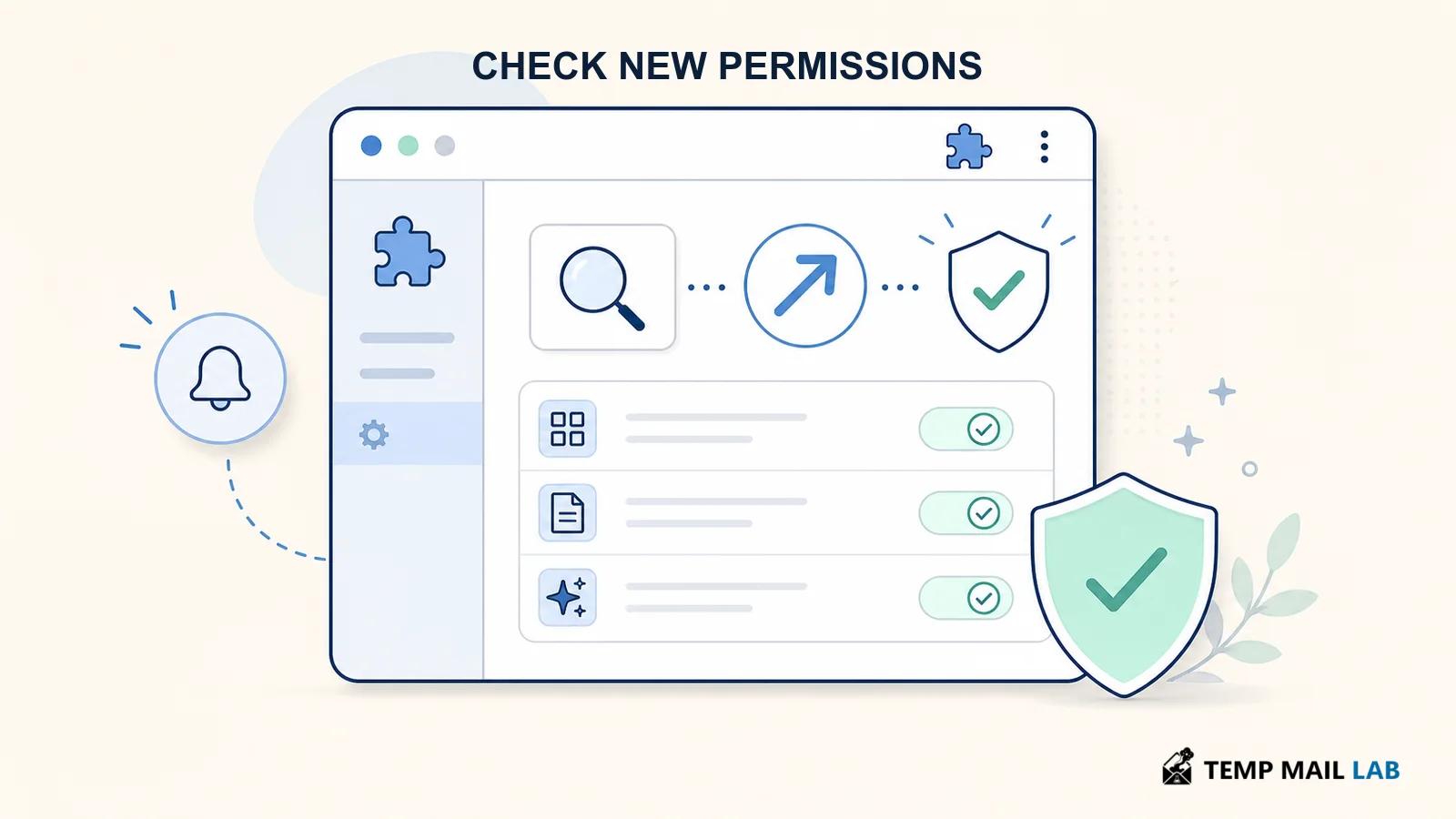
- Read the update description, but do not stop there. Compare the advertised feature with the permission change and the policy language.
- Open the extension or app settings. Look for new toggles, new data-sharing choices, or a request to enable a feature you did not previously use.
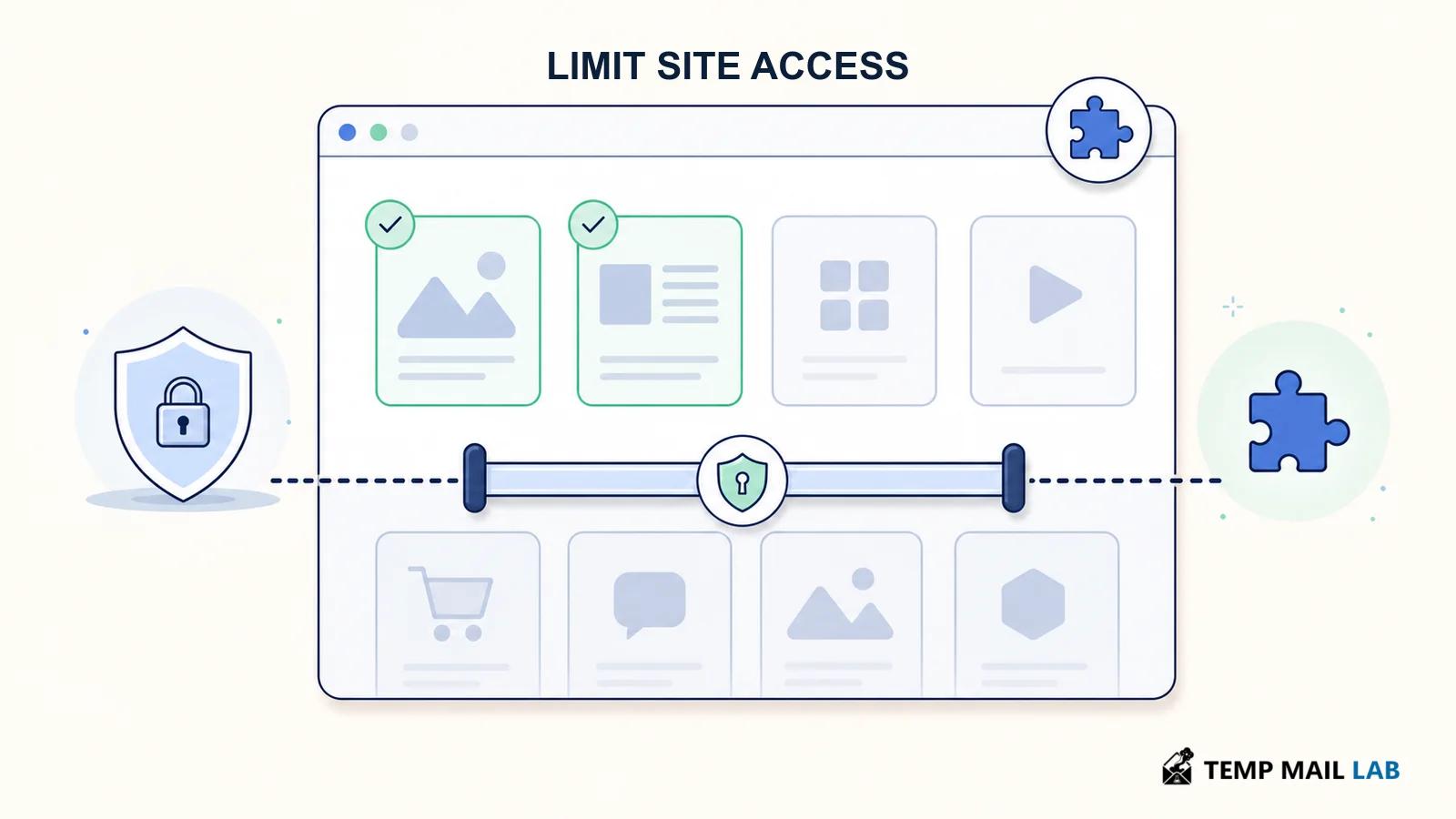
- Check site access in the browser. If a tool moved from a few domains to all sites, decide whether you still need that reach.
- Search the privacy policy for new terms, especially AI inputs, content, analytics, retention, sharing, affiliates, and training.
- Confirm the developer and support address. A new legal company, a new policy URL, or a different data controller is a reason to read more closely.
- Remove software that no longer matches the reason you installed it. Disabling a permission or removing an unused extension is usually simpler than trying to remember every setting later.
Keep a short list of high-trust software: password managers, security tools, finance apps, workplace apps, and browser extensions that can see page content. You do not need to review every small visual change. You should notice when one of these tools gains a new category of access.
Automatic updates without blind trust
Automatic updates work best with a small, intentional app list. Remove extensions you no longer use, because an unused extension can still update. Prefer software from a publisher you can identify and support channels you can reach. Use fewer extensions in profiles where you handle work, banking, or sensitive conversations. A separate browser profile with only essential tools gives you a practical way to limit what a new extension can reach.
If an update asks for a broader permission, do not rush through the prompt. Read it, then ask whether you can restrict the tool to selected sites or activate it only on click. If the new feature is optional, leave it off until you know what information it processes. If the feature is required for the product to work, decide whether the product still fits your needs.
This is also a good time to review what sensitive information you share with chat tools. See what data you should never share with AI chatbots for a practical baseline. The provider's policy matters, but so do the browser extensions and applications around it.
Questions people ask
Should I disable all automatic updates?
No. Security updates are important, and delaying them can expose you to known vulnerabilities. Keep updates on, then pay closer attention to permission prompts, major feature additions, publisher changes, and policy revisions.
Can an update add permissions without asking?
The exact behavior depends on the platform and the change. Browser stores can show warnings for some permission changes, including changes to host access. A warning is useful, but it is not a full explanation of a feature's data practices. Review the app or extension after an update that changes what it can access.
What is a sign that I should uninstall an extension?
Uninstall or remove it when you no longer use it, cannot identify its publisher, cannot understand why it needs its permissions, or no longer agree with its data practices. You can always reinstall a tool later if it proves necessary.
Trust is a recurring decision
For a short review, compare the current permissions with the task you actually use the tool for. If a new feature reaches unrelated pages or information, restrict it, disable it, or choose an alternative.
Installing an app is not a permanent approval for every future version. Keep security updates flowing, but revisit tools that gain broader access or a new reason to collect information. That habit does not require paranoia. It is basic maintenance for software that lives inside your browser and phone.